
Free 5-Minute Cleanup Timer for Kids
Start a visual cleanup countdown in your browser. No account and no ads. Pick one target and work together until it ends.
Toys
Ready when you are
Adjust by 5 seconds, just like the app’s default controls.
Finish sound starts off. Focus mode makes the timer easier to see. This browser timer uses controls and colors from TickTod; the app adds saved presets, profiles, animated timer styles, and celebrations. See what the app adds.
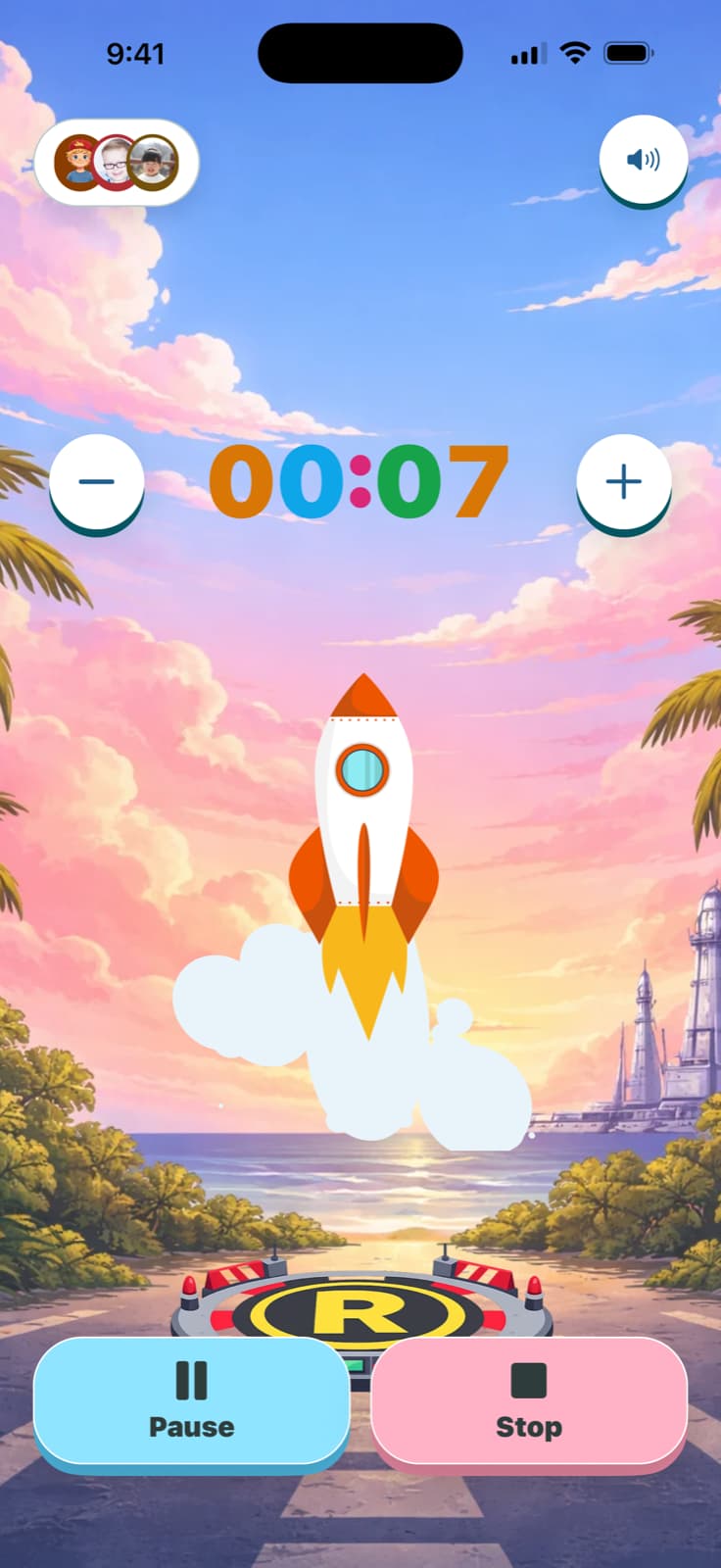
Keep familiar routines ready in TickTod.
The same idea, with more room to make it yours: saved presets, child profiles, animated timer styles, and finish celebrations.
Your browser timer and cleanup tallies don’t transfer. Set up the routines you want to repeat in the app.
Get TickTod on the App StoreHow to run a cleanup timer with kids
Use this 5-minute tidy-up timer for one clear target, such as toys into a basket or books onto a shelf. Choose a shorter countdown if five minutes is too much for today.
- 01
Pick one target
Toys into a basket, books onto a shelf. Concrete targets get done; vague requests don't.
- 02
Work alongside them
Show the first action and clean together. The timer marks the period, not a race.
- 03
Stop when it ends
If you promise five minutes, stop after five. This builds trust in the timer.
- 04
Name the win
Even if the room isn't perfect, finishing the timer is the win. Say so.
Choose a cleanup duration
- 2 minutes: One small task: collect socks, clear the coffee table, or toss laundry in the hamper.
- 5 minutes: Works well for one room or one visible area. Work alongside the child.
- 10 minutes: Split into two bursts with a short break. Name a different zone for each.
- 15 minutes: Break into zones (toys, clothes, books) and tackle one at a time.
More timers for kids
For the full routine, including what to say before you start and why the finish matters more than the countdown, read how to use a 5-minute cleanup timer for kids.