
A 5 minute tidy up timer makes cleaning feel finite. Instead of asking a child to "clean everything," you pick one visible target, start a short countdown they can see, and work alongside them until it finishes.
If you are ready to begin, start the free 5-minute cleanup timer in your browser. No account or app download is required.
That much is standard advice. The part most articles leave out is that the countdown is the easy half. What you do in the ten seconds after it ends is what decides whether the routine survives to next week.
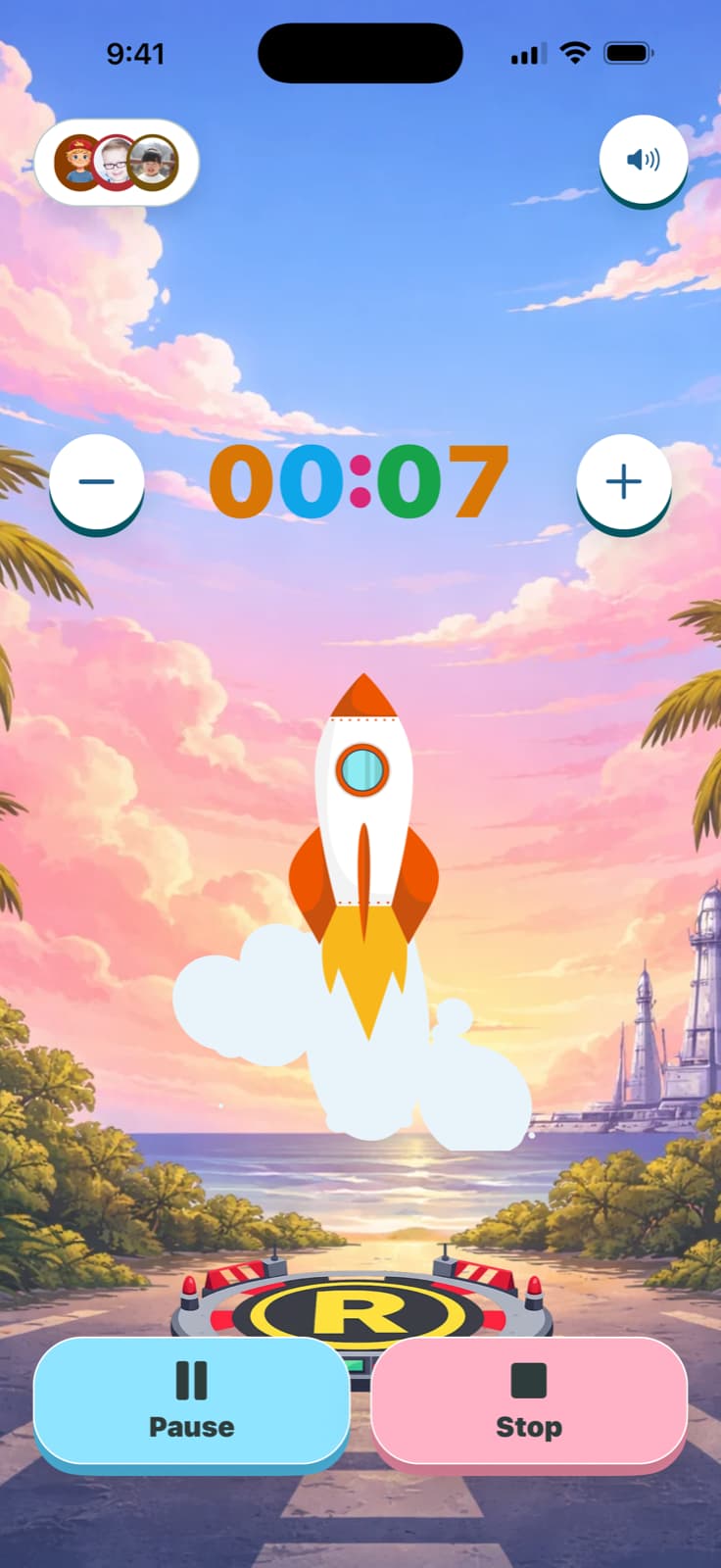

Why five minutes works
Five minutes is short enough that a child can hold the whole task in their head, and long enough to clear a rug or a coffee table. It also sidesteps a real developmental limit: children's sense of duration is still settling well into primary school. Research on time perception in children finds that estimates get steadily more accurate and less variable with age, and only approach adult-like precision somewhere around eight to ten years old.
So when a five-year-old hears "just tidy up for a bit," they are not being difficult. "A bit" genuinely does not map to anything yet. A visible countdown replaces a word they cannot calibrate with a shape they can watch shrink.
Two minutes is often the better first attempt. Five is a target to grow into, not a starting requirement.
Pick one cleanup target
Choose something with an edge you can point at:
- Toys into the basket
- Books onto the shelf
- Blocks into the bin
- Clothes into the hamper
- Everything off the rug
"Clean your room" has no visible finish line, so a timer attached to it just becomes a countdown to failing. One named target and a countdown work together. A vague target and a countdown work against each other.
What to say before you start
Say the target, the length, and what happens at the end. All three, in one breath, before the timer starts.
Try saying
Five minutes for everything on the rug. I will help. When it beeps we stop, even if it is not perfect.
That last clause matters more than it looks. It is the promise that makes the timer worth trusting, and it is the one parents most often break.
The part that actually does the work
Here is the honest version, and it is worth knowing before you build a routine around a countdown.
A 2026 meta-analysis in Behavior Modification looked at interventions for transition-related challenging behaviour and grouped them into two kinds: signalling stimuli (advance notice, verbal warnings, countdown cards, visual schedules) and consequence-based procedures (what happens at and after the transition). Across fourteen experiments, the signalling interventions produced an estimated effect of 0.58 with a confidence interval spanning zero, which is to say no reliable effect at all. The consequence-based procedures did substantially better.
In one of the studies reviewed, advance notice on its own performed worse than no notice.
Two caveats before anyone over-reads that. The review covered individuals with disabilities in behaviour-analytic journals, not typical family evenings, and its authors flag the small number of experiments and the absence of a formal bias assessment. Visual supports as a broader category are separately well evidenced: the 2020 National Clearinghouse on Autism Evidence and Practice review classified them as an established evidence-based practice on the strength of 104 single-case and 2 group-design studies.
Put together, the picture is not "timers do not work." It is narrower and more useful than that:
A countdown is not the active ingredient. It makes time visible. The routine around it, and specifically what reliably happens when it ends, is what carries the transition.
Which is why the practical advice is boring and non-negotiable:
- Stop when it stops. Even at eighty percent done. A timer that quietly becomes twenty minutes has taught your child the number was decoration.
- End it the same way every time. Same closing line, same small celebration. Predictable endings are the thing worth repeating.
- Do not restart it to squeeze out more. Run a second, separately announced round later if you need one.
The countdown buys you attention. The consistent finish is what turns it into a routine.
Run it free in your browser
You do not need to install anything to try this tonight.
Free browser tool
Free 5-minute cleanup timer
Pick two or five minutes, choose what you are tidying, and start. It runs in the browser with no account and no ads. Use it a few times before you decide whether a saved preset is worth it.
When the timer makes things worse
Some situations where a countdown is the wrong tool:
- The job is genuinely too big. A timer on an hour of mess is a countdown to disappointment. Break it up or help more.
- The timer only ever appears for unwelcome tasks. If it shows up exclusively when fun ends, children learn to dislike the signal itself. Use it for reading, snacks, and waiting too.
- The finish is distressing. A loud alarm can be the whole problem. Switch to a silent finish or reduced motion before concluding that timers do not suit your child.
- It has become a race. Speed was never the goal. If your child is panicking rather than pacing, lengthen the timer or drop it for that task.
Set up a repeatable cleanup preset
If the routine sticks, the useful thing an app adds is not the countdown itself. It is that the same countdown, the same name, and the same finish come back identically tomorrow without you rebuilding them.
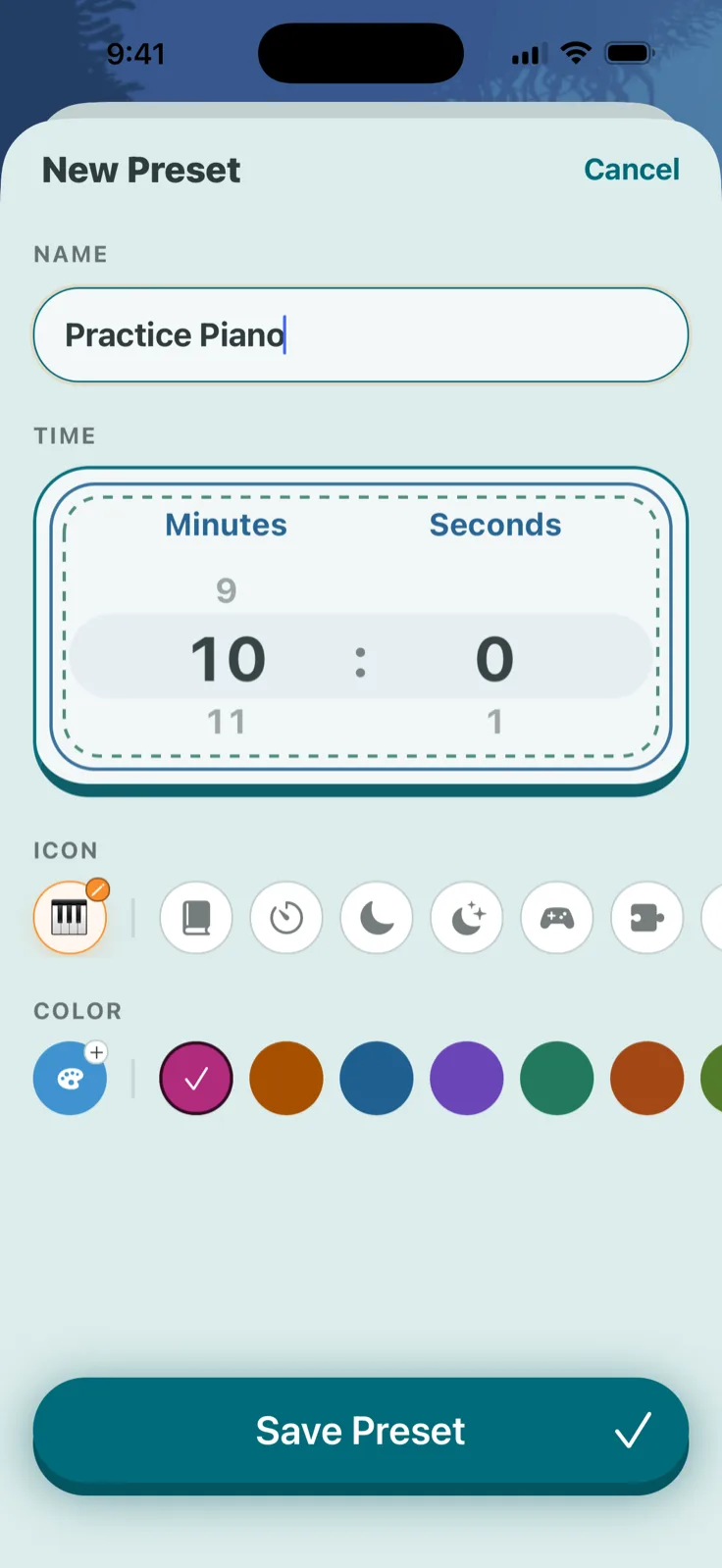
- Choose the child's profile.
- Name the preset after the actual target, such as "Rug cleanup," rather than "cleanup."
- Set five minutes, or a shorter duration you know your child can finish.
- Pick a style and finish cue that suits the moment. Upbeat for some children, calm and reduced-motion for others.
- Start it together and mark the finish the same way each time.
Turn cleanup into one small, visible win
TickTod saves the preset, the profile, and the finish so the routine your family works out once comes back the same way every time.
 Get TickTod on the App Store