
TickTod features
Visual timer features built around everyday family routines.
TickTod helps children see time, start familiar moments, and finish with a calm, predictable next step.
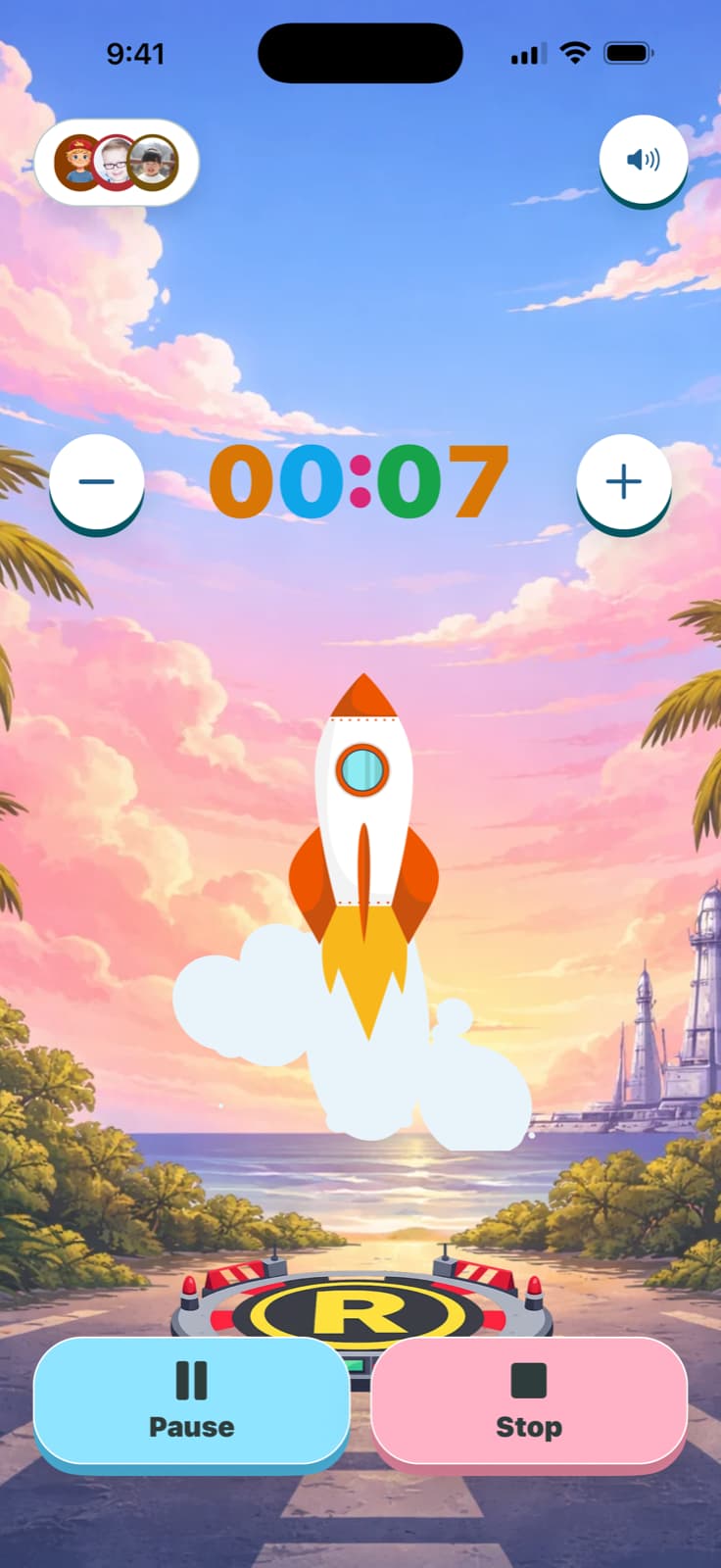

Visual countdowns
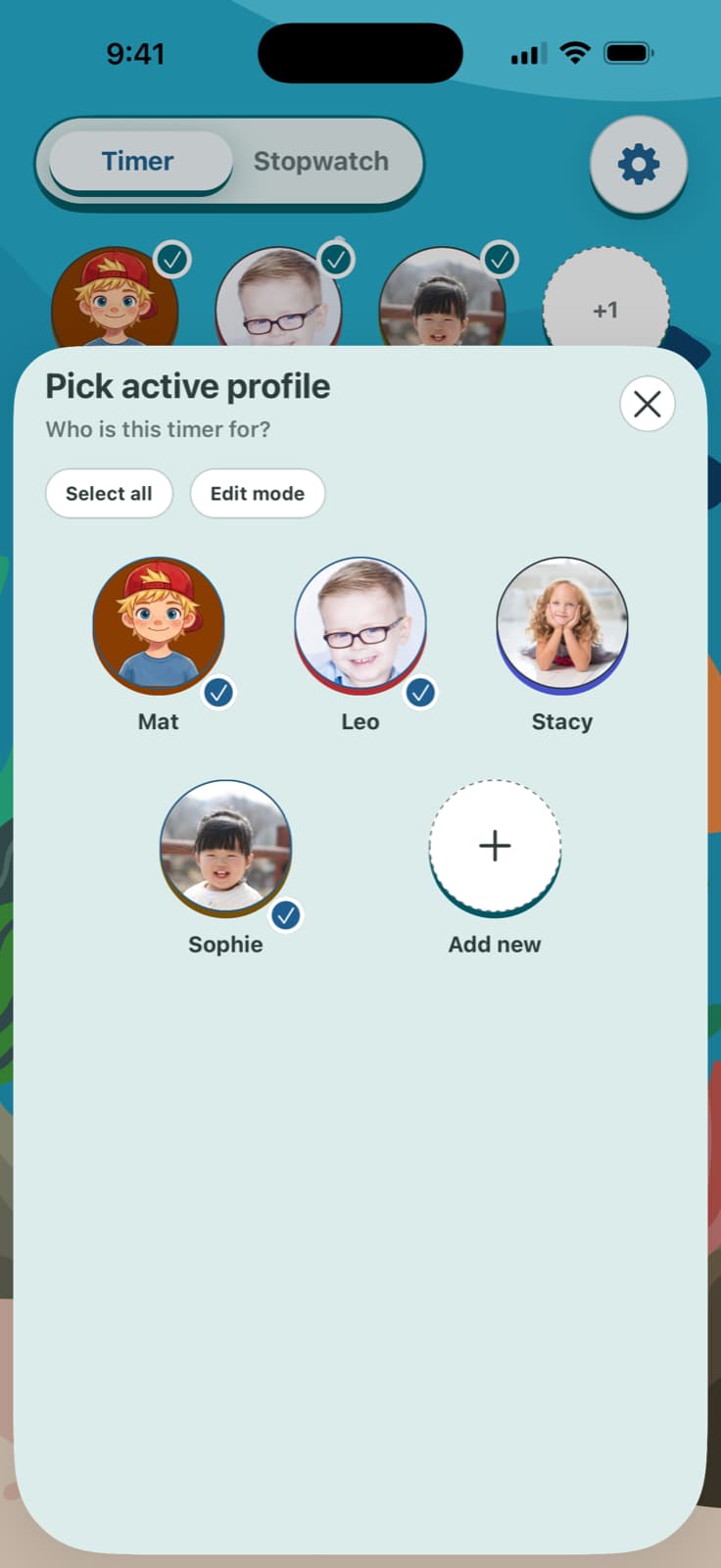
Profiles and saved presets
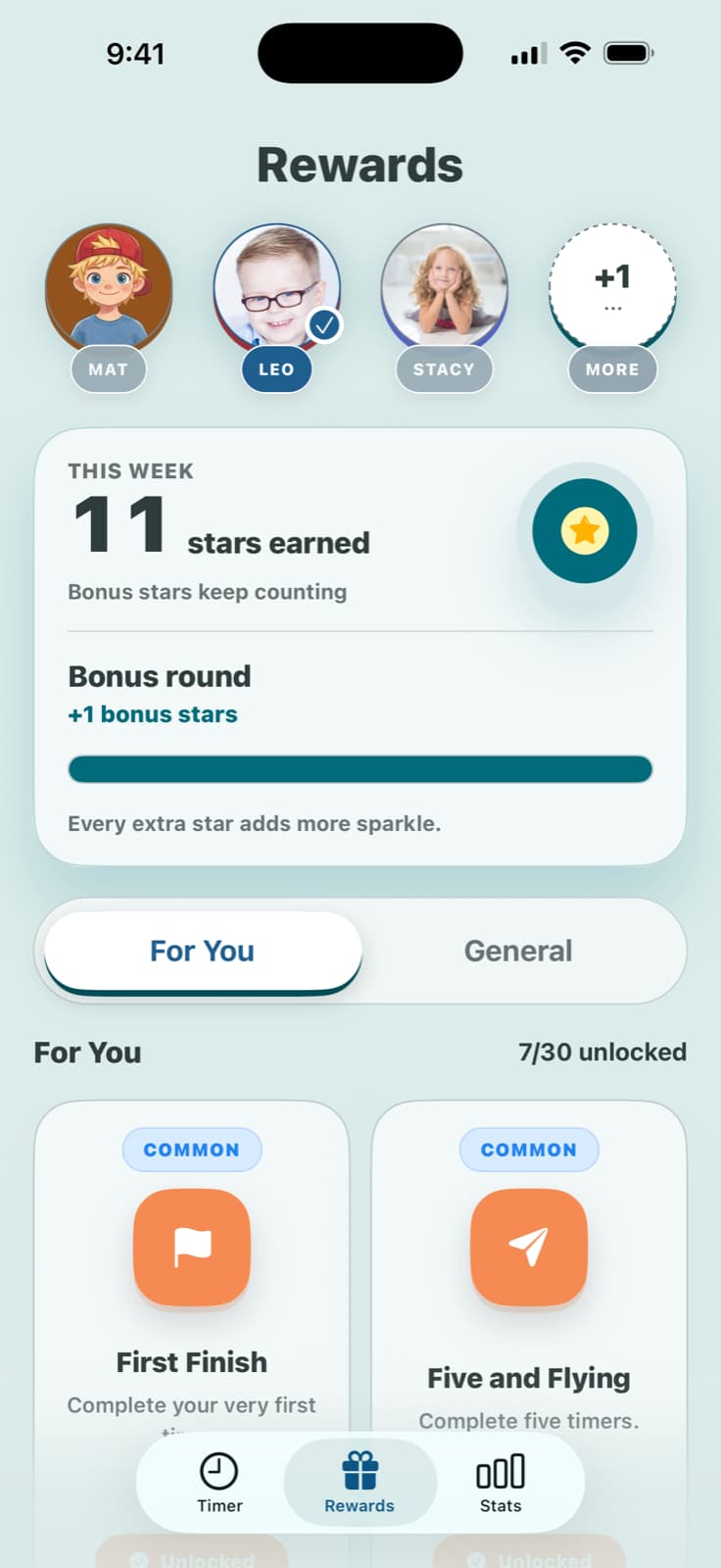
Rewards and progress
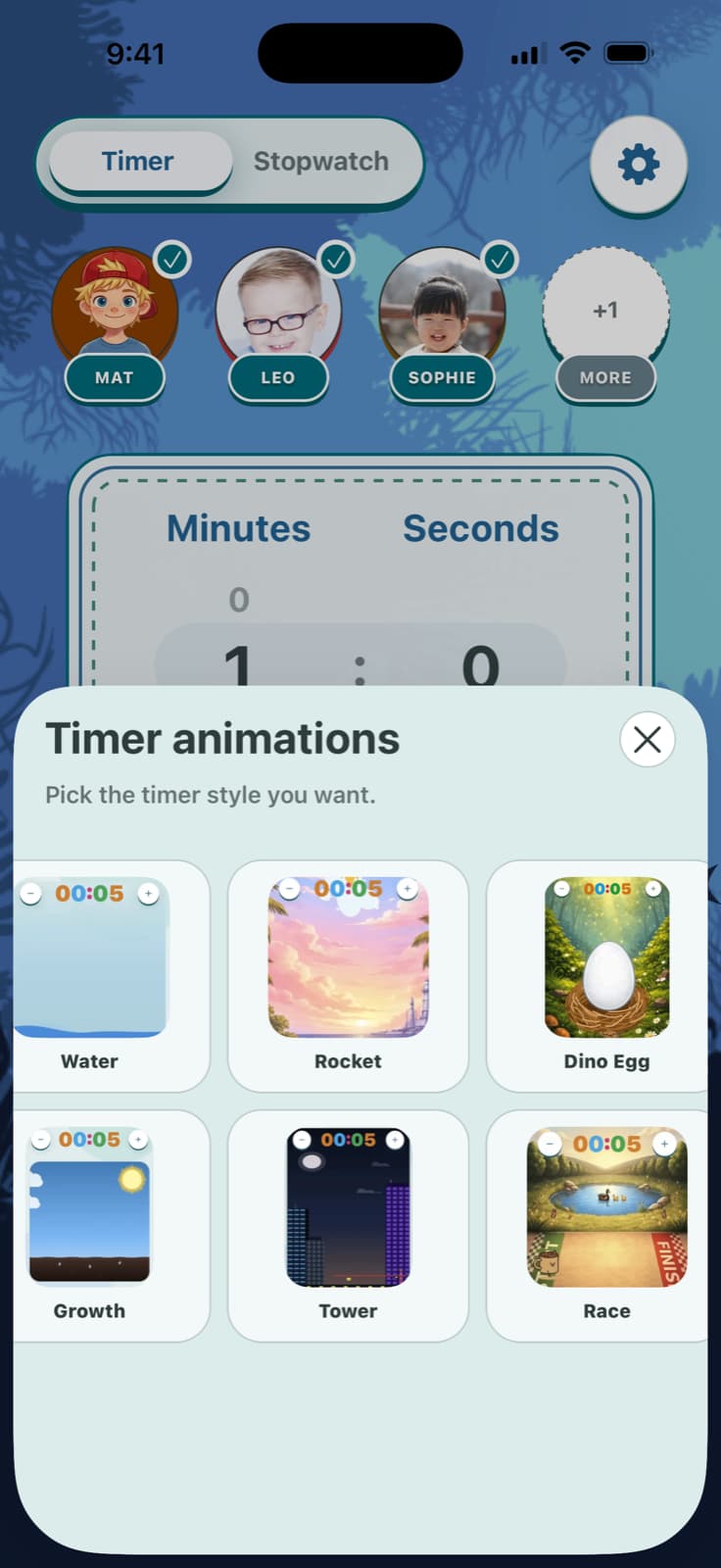
Timer styles and sensory controls
How to choose the right feature first
New families usually win by starting with one feature they already trust: visible countdowns. Add presets once the routine works consistently, then layers like rewards and profile-based defaults make it easier to repeat.
Best first move
Pick one small transition, run the free browser timer together, and keep the first finish calm and predictable. This is where trust is built before any gamification.
What to tune next
If a child gets overstimulated, reduce motion and sound first. If the start feels inconsistent, create one preset per child and reuse it daily. If consistency is already good, use rewards.
Need help deciding? Use TickTod FAQ for quick practical questions, then the support pagefor troubleshooting and privacy setup.