
Free visual timer for kids
Choose a routine, watch time disappear, and make the finish easier to see. No account, no ads, and nothing to install.
Visual timer
Ready when you are
Adjust by 5 seconds, just like the app’s default controls.
Finish sound starts off. Focus mode makes the timer easier to see. This browser timer uses controls and colors from TickTod; the app adds saved presets, profiles, animated timer styles, and celebrations. See what the app adds.
What is a visual timer?
A visual timer represents passing time with a shape or progress display. Instead of relying only on numbers, a child can watch the colored ring shrink and see whether there is lots of time left or the finish is close.
How to use this visual timer with kids
- 1. Name one clear activity before starting.
- 2. Choose a duration the child can realistically complete.
- 3. Explain what happens when the timer finishes.
- 4. Let the visual progress do most of the reminding.
- 5. Follow through calmly when time is up.
Use a transition timer between activities
Choose the Transition preset for a three-minute countdown, or set a duration that fits the activity. Before starting, say what ends and what happens next: “When the timer finishes, blocks go in the basket and we wash hands.” Keep sound off for a quiet finish.
A transition timer makes the finish visible; it does not promise that every change will be easy. Read the transition timer guide for warnings, follow-through, and a concrete next step.
Read the full visual timer guide for parents, or use the dedicated 5-minute cleanup timer and 2-minute brushing timer for kids.
Not sure what duration is realistic? Use the free stopwatch for kids to measure the activity once without a deadline.
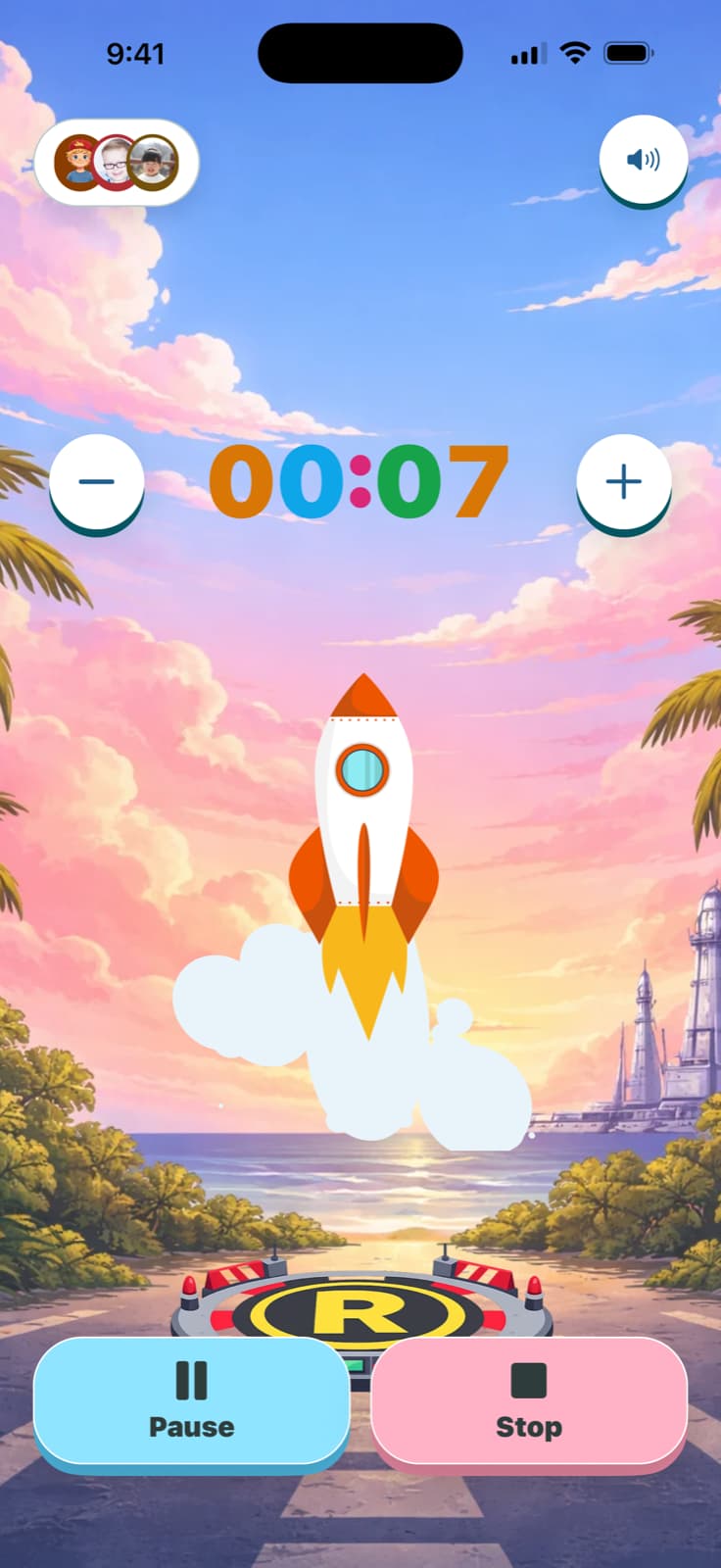
Keep familiar routines ready in TickTod.
The same idea, with more room to make it yours: saved presets, child profiles, animated timer styles, and finish celebrations.
Your browser timer and cleanup tallies don’t transfer. Set up the routines you want to repeat in the app.
Get TickTod on the App Store