
A visual timer is supposed to make transitions calmer. Sometimes it does the opposite: your child watches it with dread, argues the moment it starts, or falls apart when it ends. Before deciding timers are not for your child, it is worth checking a few specific things first.
First, rule out the sound
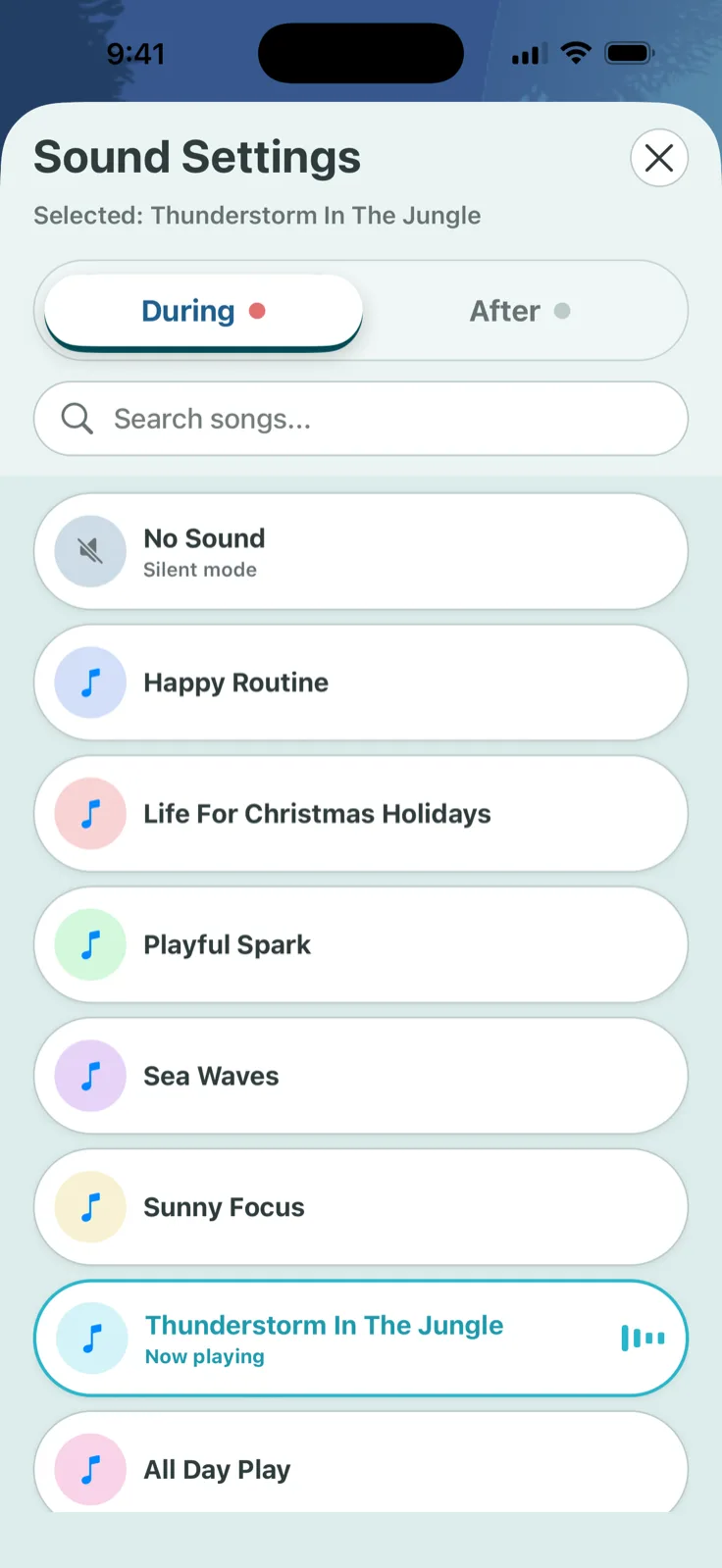
A loud, bright, or unpredictable finish sound can be the entire problem. Sound sensitivity is common and real, and a jarring alarm can turn a neutral countdown into something a child braces against from the start. Try a silent or very quiet finish before changing anything else.

Check whether it has become a race
If a timer has ever been used to make a child move faster than they comfortably can, it can start to feel like a countdown to failure rather than a countdown to a finish. Look back at recent uses: was the duration realistic for what you were asking, or was it shorter than the task actually needed?
If the pattern has been "beat the clock," reset with an easier, longer duration for a few sessions to rebuild trust in the number.
Ask if it only ever means bad news
A timer that shows up exclusively to end something fun teaches a child to dislike the object itself, not just the ending. Use the same timer for neutral or enjoyable waits too, such as waiting for a snack or timing a favorite activity, so the countdown stops being a one-way signal for bad news.
Try reduced motion and hidden numbers
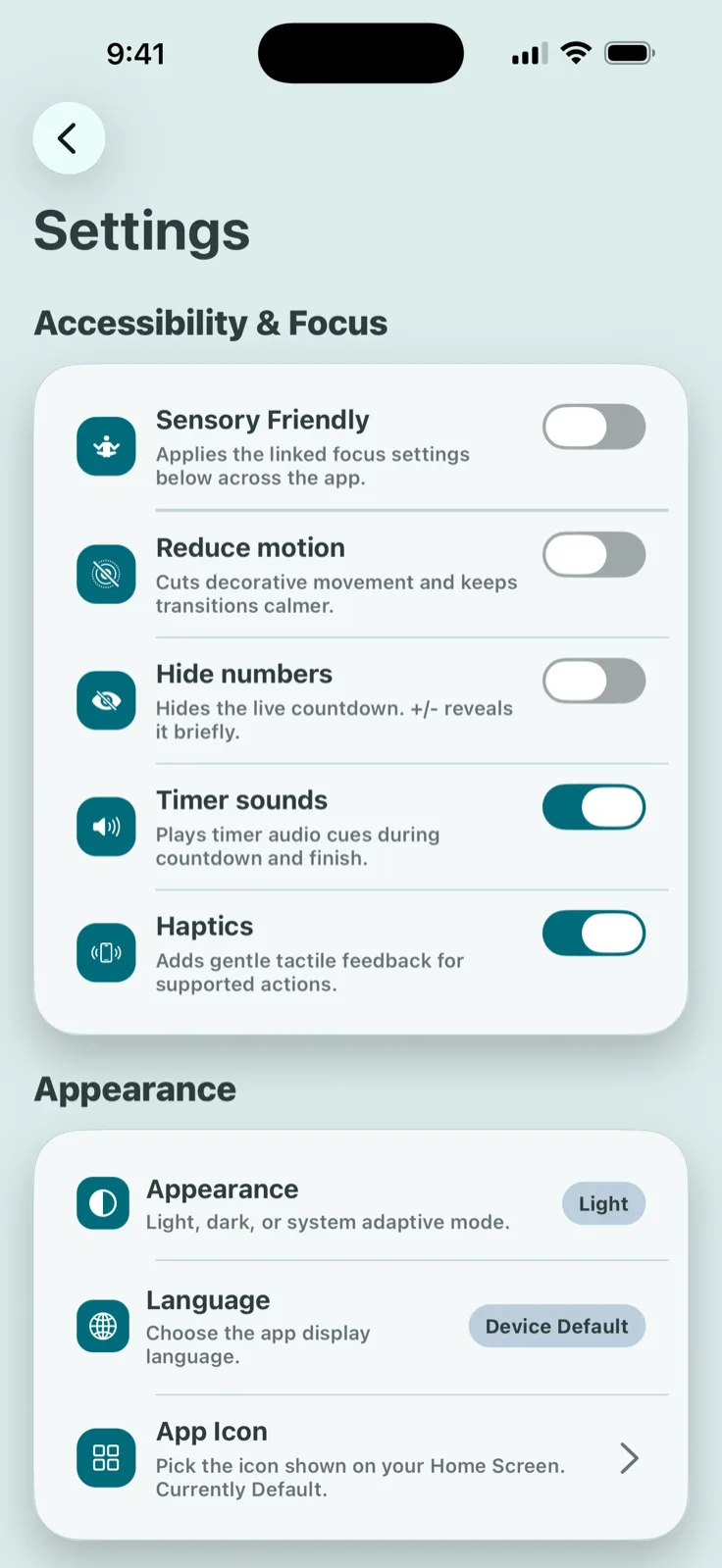
Some children find a filling or shrinking shape calming and a ticking number stressful, or the reverse. If your app or timer supports it, try reduced motion, a hidden number display, or a different visual style before concluding the format is wrong for your child.
Let your child hold some of the control
Letting your child pick the color, the sound, or even the exact duration (within a reasonable range) can shift a timer from something done to them into something they have a hand in. This is a small change, but it often matters more than it looks like it should.
When to stop and try something else
Sometimes the honest answer is that a timer is not the right tool for this child, at least not yet. A 2026 meta-analysis of transition interventions found that visual and verbal signalling alone had no reliable effect on transition-related distress, so a timer that keeps making things worse despite the adjustments above is not necessarily a sign you are doing it wrong. It may just not be the piece that helps this particular transition.
Adjust the timer to the child, not the other way around
TickTod lets you turn off sound, disable animation, hide the numbers, and let your child choose their own colors and presets, so you can try several small changes without rebuilding the setup each time.
 Get TickTod on the App Store